
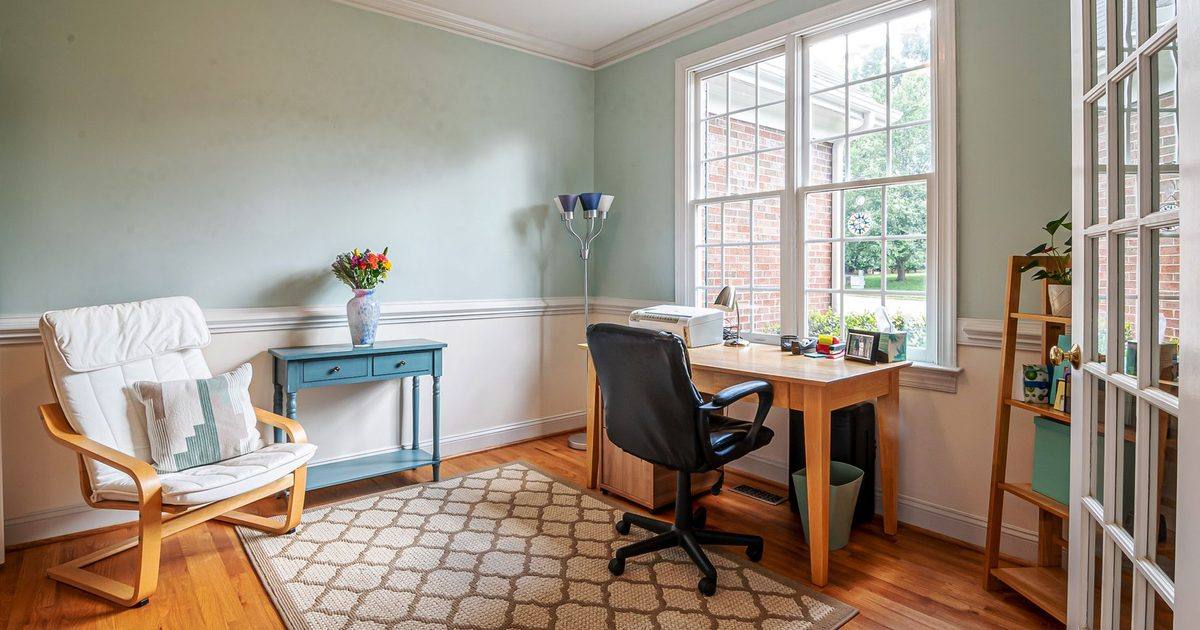
The order the HSE sets: arms first, then the screen, then your feet
The Health and Safety Executive's workstation checklist does not start with the screen or the keyboard. It starts with the chair, and it sets the chair to your arms: the instruction is to "adjust the chair height to get the user's arms in the right position, and then adjust the DSE height, if necessary", DSE being the display screen equipment. So the seat is sorted to your arms before anything above it is touched.
You are not reading a degree off a protractor. You are watching for a line across the desk: forearms flat as you type, elbows about level with the desktop. The checklist's own question is "Are forearms horizontal and eyes at roughly the same height as the top of the DSE?", with no height in centimetres attached to it. That is why the inch tables filling the search results miss the mark: the figure that gets your forearms flat depends on your desk and your build, and the regulator prints no such number.
With the arms sorted, the screen follows, not the chair. If your eyes no longer sit roughly level with the top of the screen once the seat is set, that is a job for the monitor, and our guide on how high your monitor should sit walks through it. Your feet come last, and here is the step people invert: they lower the chair to reach the floor, which drags the arms straight back out of position. The arms are set first and left alone. If you want the wider picture of what a chair adjusts and in what order, the office chair guide lays it out.
Two checks once you are sitting
With the height right, two quick checks tell you whether the seat itself fits you. The first is your thighs. The HSE's good-posture guidance asks that the "seat height equally supports front and back of thighs", with a "gap of 2-3 cm between front of seat bottom and back of knee" so the front edge of the seat is not catching the soft part behind your knee. A seat depth slider is what you use to find that gap.
The second is your shoulders. A seat set a shade low leaves you reaching up to the desk and lifting your shoulders to do it. The guidance is the plain opposite: "relax your shoulders" and "position yourself high enough so you don't need to shrug your shoulders". A straight back against the chair with your shoulders dropped, rather than hitched up towards your ears, is the sign the height is working with you.
When the chair runs out of travel
Sometimes the seat hits the end of its range before your arms and your feet are both settled, and what you do depends on which way it falls short. If the chair is as low as it goes and your feet are left off the floor, do not keep forcing an already-low seat down: the checklist's own answer is that "a footrest may be needed", and a footrest takes over for the floor, so the arms can stay where the desk put them. If the chair is as high as it goes and you are still reaching up to type, the seat-height range on that model was simply too short for your desk, and either a chair that climbs higher or the HSE's fallback of a cushion "to raise seated position" closes the gap. Either way, read the seat-height range a listing quotes against your own desk height before you buy, a check the office chair guide folds into how it sorts the chairs.
FAQ
Q: What is the standard height for an office chair? A: There is no official standard to quote. The HSE sets the height by your arms, forearms horizontal at the desk, rather than by a figure, because the number that gets you there moves with your desk height and your own proportions. The 16-to-21-inch ranges you see repeated are seller figures, not a published rule, so set the seat to your forearms and treat any number as a rough starting point.
Q: Should my knees be at a 90-degree angle? A: The HSE does not state a 90-degree rule anywhere in its checklist. What it asks for is "forearms horizontal" at the desk and "feet flat on the floor, without too much pressure from the seat on the backs of the legs", and its posture guidance adds the 2-to-3 cm gap at the front of the seat. Hit those and the knee angle lands where it should on its own; the exact degree matters far less than feet supported and nothing pressing under the thigh.
Q: Can you use an office chair with a standing desk? A: Yes. You set the chair to your sitting position in the usual way, then raise the desk when you want to stand and leave the chair untouched. Because it is the desk height that changes and not the chair, the seated setup is the same job as at any fixed desk. Our guide to standing desk height covers setting the sitting and standing positions.
Q: Why does my office chair keep sinking? A: A seat that slowly drops under you is nearly always the gas lift, the pneumatic cylinder that holds the height, losing its seal, rather than anything you have set wrong. It is a repair-or-replace job: the cylinder is a swappable part on many chairs, and our guide to which gas lift class to fit covers that choice, or the chair is replaced if it is near the end of its days. No amount of re-adjusting will hold up a cylinder that has gone.