
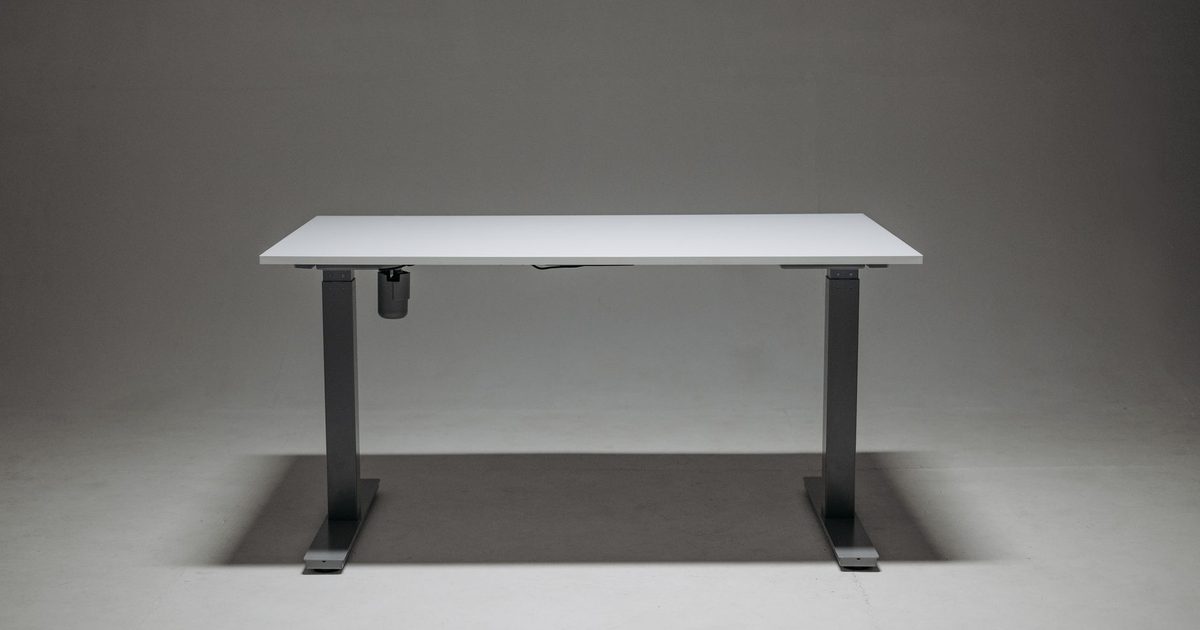
Elbow height, sitting and standing
No standing desk has one correct height, and any guide that hands you a single number is guessing at your body. The Health and Safety Executive's display screen guidance puts the seated-desk target bluntly: "Keyboard just below elbow height". A sit-stand desk has to meet that same target twice, once when you are sitting and once when you are standing, because your elbows land at two different heights in the two postures.
That is why the useful question is not "what height" but "what range". A desk that only reaches your standing elbow height is a fixed standing desk; one that only drops to your seated height is an ordinary desk. The job of a sit-stand frame is to cover the span between the two, so the number that decides whether a desk fits you is the distance between its lowest and highest settings, not any single figure in the listing.
The HSE guidance itself stops at the seated desk and does not cover sit-stand desks, so treat the elbow line as the principle and the two postures as your own measurement job.
Measure your two elbow heights first
Before you read a single spec sheet, get your own two numbers. Sit down the way you actually sit, feet flat and back against the chair. Let your upper arms hang straight down and bend your elbows to about a right angle, so your forearms are level with the floor. The height from the floor to the underside of your forearm is your seated desktop height. Measure it and write it down.
Then stand up, relax your shoulders and do the same thing standing: arms down, elbows at about a right angle, forearms level. That height is your standing desktop height. You will usually find a good gap between the two, but yours are the only numbers that matter here.
Those two figures are what you take shopping. Everything else on a desk listing is secondary until you know the frame can actually stop at both of them.
What a desk's range spec is really telling you
Every electric sit-stand frame prints a height range: a lowest setting and a highest one. To fit you, that range has to contain both of your numbers, with your seated figure at or above the minimum and your standing figure at or below the maximum. If either number falls outside the frame's range, the desk cannot be set to elbow height in that posture, and no amount of adjusting will fix it.
To put a real number on it, FlexiSpot lists its E7 Pro frame as adjusting over 25.0 to 50.6 inches, which is roughly 64 to 129 cm. A frame like that clears the standing height of almost anyone, so the maximum is rarely the sticking point. The figure to check against your own measurement is the minimum, and that is where frames differ more than their listings let on.
Two things change the real numbers. A thick desktop adds its own height on top of the frame, so a frame that bottoms out at 64 cm sits a shade higher once a thick top is bolted on. And a keyboard tray or a chunky deskmat shifts where your hands actually rest. Read the frame's range, then add the top before you compare it to your seated figure.
Why the minimum matters more than the maximum
The maximum height on most frames is generous, because a desk that will not rise high enough for a tall person is an obvious failure the maker designs out. The minimum is the one that catches people, and it catches shorter users first.
If your seated elbow height sits below a frame's lowest setting, the desk is stuck too high the moment you sit down. You are left reaching up to a keyboard that is above your elbows, or raising the chair so far that your feet leave the floor, which is the problem a footrest exists to patch rather than the desk you wanted. A frame that drops low enough is worth more to a shorter person than one that rises to a dramatic standing height they will rarely use. When you put two desks side by side, compare their minimums first. If you are still deciding which desk to put in the room in the first place, our guide to the best standing desks for a small home office works through fitting one to a tight space.
The monitor still has to reach eye level
Setting the desk to elbow height sorts your arms. It does nothing for your screen, and raising the desk can quietly make the screen worse. When you lift a sit-stand desk to standing height, a laptop or a monitor on a low built-in stand travels up with it but stays exactly as far below your eyes as it was when you sat, so you end up looking down at a raised desk.
The eye-level target is its own question, and the same HSE line holds standing as sitting: bring the top edge of the screen up to your eye line, an arm's length back. Our guide on how high your monitor should be works through that target in full. To hit it on a desk that moves, a monitor arm is the tidiest answer, because it sets the screen height independently of the desk and holds it there whether you sit or stand. If you work on a laptop, a laptop stand with a separate keyboard lifts the screen towards eye level while your hands stay at elbow height on the desk. That makes the screen a second job, not part of the first: the desk settles your arms, and the monitor height is a separate fix on top of it.
FAQ
Q: Is there an average standing desk height I can just use? A: You will see a figure quoted for an average adult, but an average is only useful if you are average. The whole point of a sit-stand desk is that it adjusts, so spend two minutes measuring your own seated and standing elbow heights rather than setting the desk to a number meant for someone else.
Q: How do I know a desk will go low enough for me? A: Check the frame's minimum height against your seated elbow measurement, and remember to add the thickness of the desktop, which sits on top of the frame. If the frame's lowest setting plus the top comes out higher than your seated elbow height, the desk will be too tall when you sit, and that is the failure to design around.
Q: Should I set the desk by the numbers on the controller? A: Set it by your body, not the display. Raise or lower the desk until your forearms are level, with your hands just below your elbows, in each posture, then save that position to a memory preset if the desk has one. The centimetre reading is only useful for repeating a height you have already found by feel.