
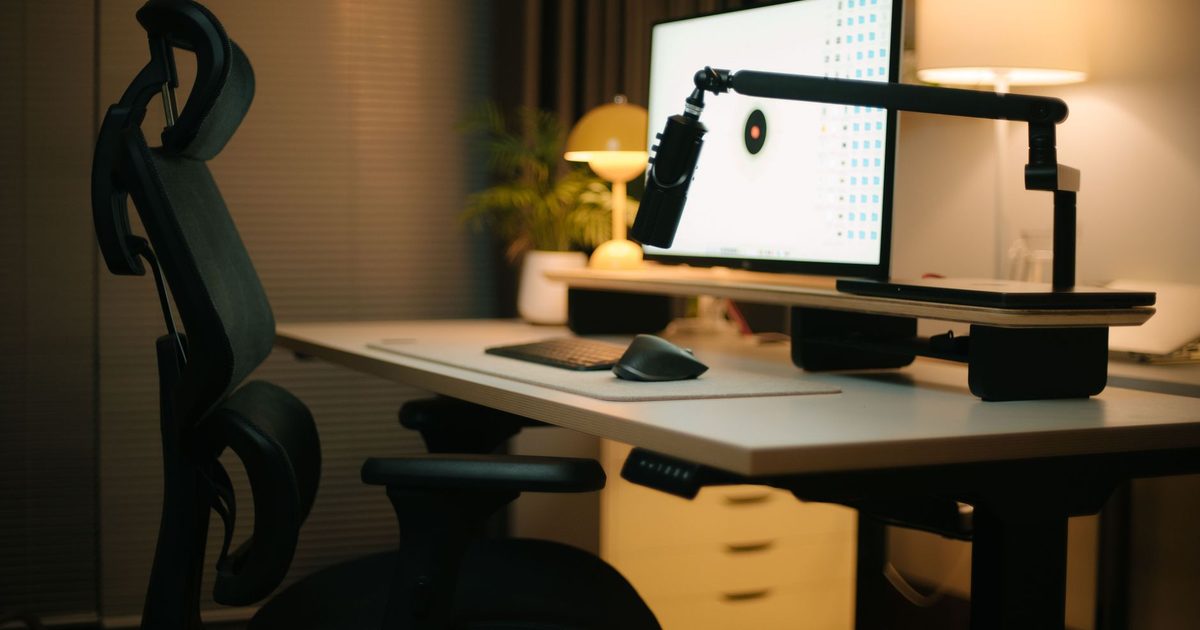
What a riser is, and where it stops
A monitor riser is about as simple as desk kit gets. It sits on the desk, you set the monitor on top, and it holds the screen a set amount higher than the bare surface. There is nothing to fit and nothing to power: no screw holes on the monitor, no clamp on the desk, no cable. Most take a laptop just as happily as a monitor. Many even reclaim the space they stand in, with a shelf or a drawer underneath for a keyboard, a hub or the odd notebook to slide away.
What a riser will not do is move. The lift is whatever the maker built in, so the screen ends up at one height and stays there. If that height happens to put the screen where you want it, that is the whole job done for very little money. If it lands the screen too low or too high for you, a riser has no answer beyond stacking something under it or buying a different one. It also keeps a footprint on the desk under the screen, unless the model turns that space into storage. A riser suits a single screen that already sits about the right distance away and only needs a clean, simple lift. If a riser is the way you are leaning, our best monitor riser guide picks the strongest wooden, metal and glass options.
What an arm does, and what it asks for first
A monitor arm takes a different route. It fixes to the desk, by a clamp over the edge or a bolt through a grommet hole, and floats the screen out on a jointed arm so the desk underneath is clear. From there it moves: up and down, tilt, swivel, and in and out towards you. You set the exact spot you want, then move it as the day needs. Push the screen back to read, pull it close for detail, swing it aside to share, or lift it when the desk rises to stand.
The catch is that an arm has to fit three things before any of that matters. The monitor needs the VESA mount, a set of four screw holes in a 75 or 100 mm square on its back, which most desktop screens carry but some slim all-in-ones and a few budget panels skip. Our VESA fit check walks through how to confirm it and what to do about a screen with no holes. The monitor's weight has to sit inside the arm's rated range, which on the arms in our best monitor arm guide runs from a 9 kg single mount up to a 3.2 to 11.3 kg spread. And the desk needs an edge a clamp can grip, or a grommet hole to bolt through, which our desk-fit guide measures out. Clear those three and the arm does everything the riser cannot; miss one and the riser is back in front.
How to choose for your desk
Start with one question: does the screen need to move? If it lives in one place, for one person, a riser's fixed lift is enough and costs the least. If the position has to change, because you share the desk, add a second monitor, or move between sitting and standing, only the arm solves it: adjustment is the thing a riser lacks.
With the arm ahead on movement, run its three checks before you buy: VESA holes on the monitor, the weight inside the arm's range, and a clamp-friendly or grommet edge on the desk. A no on any of them points you back to a riser, or to a VESA adapter plate covered in the fit guide. Weigh the desk surface too, since an arm clears the space under the screen while a riser either occupies it or turns it into storage. Wherever the screen ends up, the neutral target to aim for is the HSE one: the top of the screen roughly level with your eyes, about an arm's length away, square in front of you. A riser reaches that only if its built-in height happens to land there; an arm lets you set it exactly, and our guide to how high a monitor should sit shows where that line falls.
FAQ
Q: Can you put a monitor riser on a standing desk? A: You can, and it works fine as long as the fixed gap it gives suits you at both heights. A riser lifts the screen a set amount above the desktop, so when the desk rises the screen rises with it and the gap between your eyes and the screen stays the same. If that single gap is comfortable sitting and standing, a riser is all you need. If it is not, an arm is the one that lets you re-set the screen at each position while the desk moves.
Q: Do all monitors work with a monitor arm? A: Most desktop monitors do, because they carry the VESA pattern the arm bolts onto, but not every screen has it and weight matters too. The monitor needs those four holes in a 75 or 100 mm square and a weight inside the arm's range; a screen with no holes needs a clamp-on adapter plate bought separately. A riser sidesteps all of that, since it simply holds whatever you place on it.
Q: Is a monitor arm worth the extra over a riser? A: It earns the cost when the screen has to move: a shared desk, a second monitor, or a sit-stand routine, or when you want the desk surface under the screen clear. For one screen that sits in one spot at a comfortable height, a riser handles the lift for less and sets up in seconds, so the extra an arm costs buys adjustment you would not use.
Q: What about a laptop, a riser or an arm? A: Usually neither in the plain sense, because a laptop has no VESA holes, so an arm needs a special tray and a riser leaves the keyboard up at screen height. A laptop does better with a dedicated stand plus its own keyboard and mouse: the stand brings the screen up near eye line while your typing hand drops back to the desktop. Our best laptop stand guide compares the fixed and adjustable options.